



It is Tuesday, and Grace is still on the sticky note.
She said yes on Sunday, by the coffee, the way the good ones always do: quietly, before you have finished asking. She wants to help with the welcome team. You wrote her name down so you would not forget, and the sticky note has been riding the edge of your monitor ever since. You meant to get her set up on Monday. Then Monday happened, with its funerals and its printer jam and a phone that would not stop, and Grace waited on the edge of your monitor for someone to remember her.
Getting one kind person into your dashboard used to feel out of proportion to the yes that started it. One screen to make a profile. Another to find the profile you just made. A third to sort out what she was actually allowed to see. Somewhere around the third screen you would lose the thread of why you began, and the welcome would quietly turn into an afternoon of clicking. Too many screens sat between the hello and the help.
So we shortened the walk.
Inviting someone onto your team now happens in one small panel, with far fewer steps to think about before you begin. The two decisions that actually matter sit together on the same screen: who is coming, and what they are allowed to see. You make both in the same minute, while you still remember the coffee and the yes.
You open it, and Grace is right there to find. If she has been in your people list since the first Sunday she got checked in, you pick her by name. If she is brand new to you, you add her by email. Either way she goes into the same panel, and you have not left the room to do it.
And if Sunday was generous and a few people said yes at once, each one is only a short trip through the same small panel. You welcome them one after another in a single sitting, even when the names arrive as a forwarded muddle from a thread titled greeters FINAL final v2. Nobody has to wait for next week.
Right there, before you send, you choose what Grace can reach. Access is the part that used to live a screen or two away, easy to forget until she messaged you a week later asking why the page looked so empty. Now it sits under her name, settled in the same moment you decided to invite her, while the reason is still fresh in your head.
Then you press send, once, and the sticky note has finally earned its retirement.
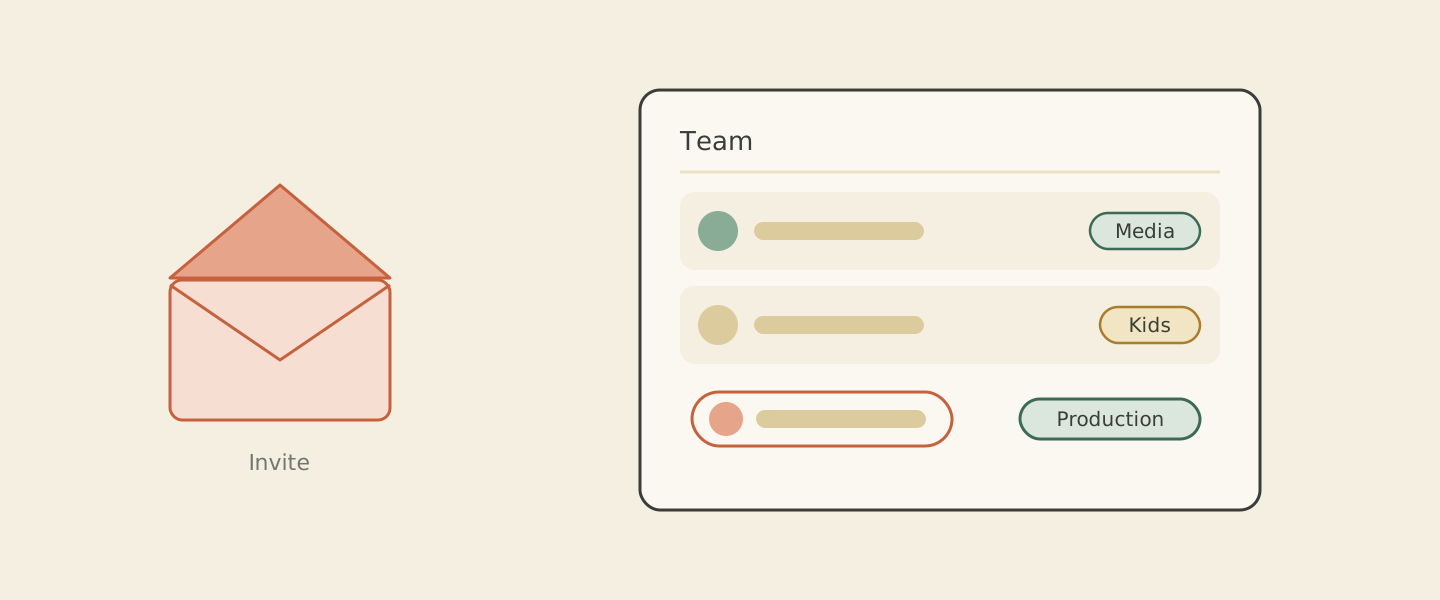 You press send once and the new helper lands on your team roster with their access already set.
The quiet gift here is that the place you send invites from is also the place you keep an eye on everyone afterward. Your team section holds the whole roster: who has access, who is active, and who has stepped back for a season. When roles change, as they always do, you tidy things up right where the invites began, without hunting through the building for the right screen.
The next time someone catches you by the coffee and says yes, the welcome gets to stay a welcome. You send them in on Sunday, before Monday can happen, and you are back in the room before your cup is cold.
All of this lives in the team section of your Cendance dashboard, waiting for your newest helper.


